Mastering Remote Visual Inspections
Inspecting assets in hard-to-reach or dangerous locations—such as a towering wind turbine, the underside of a bridge, or the complex piping of a chemical plant—has traditionally required putting personnel directly in harm's way.
Remote visual inspections, or RVI, fundamentally change this paradigm. This method involves examining equipment and assets from a safe distance using tools like high-definition cameras, drones, or robotics, often enhanced with Augmented and Virtual Reality. An expert can be located in an office, diagnosing a problem and guiding an on-site technician in real-time, all without traveling to the site. This represents a significant evolution from traditional, hands-on inspections to a safer, data-driven approach to asset management.
Why Top Industries Are Adopting RVI
The transition to remote visual inspections is more than an industry trend; it is a strategic response to persistent challenges in the industrial sector. Companies are not merely acquiring new technology; they are rethinking their entire approach to managing critical assets. This shift is driven by three primary objectives: protecting workers, reducing costly downtime, and acquiring precise, actionable data that was previously difficult to capture.
Consider the task of inspecting a wind turbine blade for stress fractures during high winds. Historically, this was a high-risk operation. With RVI, a technician on-site wearing smart glasses can stream their exact point of view to a senior engineer located hundreds of miles away, who can then safely guide the entire inspection process.
Boosting Safety and Efficiency
The primary benefit of RVI is its ability to separate the expert from the hazard. Instead of dispatching a specialized engineer into a confined space or to a remote offshore platform, a local technician can perform the task with an expert providing remote guidance.
This model delivers significant advantages:
- Drastically Reduced Risk: It keeps highly skilled personnel out of dangerous environments, directly reducing the potential for workplace accidents.
- Minimized Operational Downtime: Inspections that once required days of preparation—including travel, permitting, and site prep—can now be completed in hours. Returning critical equipment to service quickly is a major operational advantage.
- Improved First-Time Fix Rates: With an expert providing virtual oversight, on-site technicians can diagnose problems with greater accuracy and perform repairs correctly on the first attempt, eliminating costly repeat visits.
By enabling real-time collaboration between on-site teams and remote specialists, RVI transforms inspections from a reactive, time-consuming task into a proactive, efficient workflow. This immediate access to expertise accelerates everything from decision-making to resolution.
A Cornerstone of Modern Maintenance
While the concept of remote viewing dates back to the 1970s, its modern application is transformative. The technology has evolved significantly, driven by advancements in high-resolution imaging and AI-powered analysis. In high-stakes industries like oil and gas, this progress is invaluable for keeping workers out of hazardous zones. You can explore the technology's evolution in this comprehensive market report.
Today, remote visual inspections are a foundational component of any serious predictive maintenance strategy. The detailed visual data captured during an RVI session is not just for a one-time fix. It can be archived, analyzed, and compared over time to identify wear and tear long before it leads to a catastrophic failure.
This data-first approach allows organizations to move beyond the traditional "break-fix" maintenance cycle. When integrated with technologies like augmented reality for maintenance, the capabilities are further enhanced. AR can overlay digital instructions, schematics, or sensor data directly onto the technician's field of view, providing a level of clarity that was previously unattainable. This makes RVI an indispensable tool for companies committed to their digital transformation.
Building Your RVI Technology Stack
Implementing remote visual inspections is not about purchasing the most advanced equipment available. It is about deliberately constructing a technology stack—the optimal combination of hardware, software, and connectivity—that will serve as the backbone of your RVI program. This strategic approach turns a concept into a practical, everyday operational tool.
Ultimately, the decision to adopt RVI is a crucial move away from higher-risk manual processes. This flowchart illustrates the critical choice between traditional methods and embracing a modern, safer alternative.
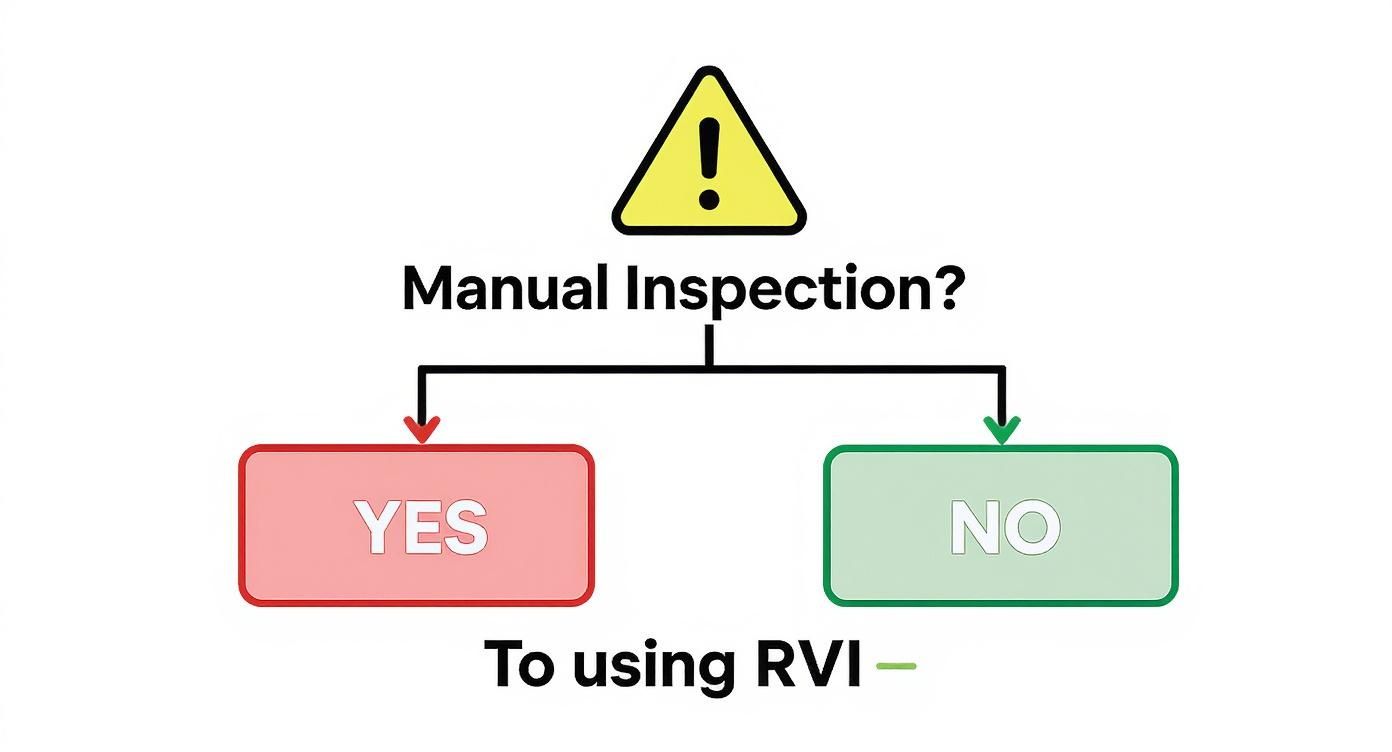
The conclusion for modern industry is clear: wherever manual inspections create unnecessary risk, RVI offers a more intelligent, efficient, and safer path forward.
Selecting the Right Hardware for the Job
Consider your RVI hardware as your team’s eyes and hands on the ground. Each piece of equipment has a specific function, and matching the right tool to the task is what distinguishes a successful program from a frustrating one. It is a specialized toolkit, and understanding the purpose of each instrument is essential.
This is not a one-size-fits-all scenario. The required hardware depends entirely on the asset being inspected and the operational environment. To help clarify the options, here is a comparison of the most common RVI tools.
Choosing the Right RVI Hardware for Your Needs
| Hardware Type | Ideal Use Case | Key Advantages | Considerations |
|---|---|---|---|
| Smart Glasses & AR Headsets | Hands-on repairs, complex assembly, quality assurance checks. | Keeps the technician's hands free; allows for digital overlays and real-time guidance. | Battery life can be a factor; some models require a stable Wi-Fi connection. |
| Drones (UAVs) | Inspecting tall structures (flare stacks, turbines), large areas (roofs, pipelines), or inaccessible locations. | Covers vast areas quickly and safely; captures high-res images from any angle. | Requires a certified pilot; weather conditions (like high wind) can be a limitation. |
| Robotic Crawlers | Internal pipeline inspections, tank and vessel assessments, confined space entry. | Accesses dangerous or tight spaces safely; can carry specialized sensors. | Slower movement; navigation can be challenging in complex geometries. |
| High-Definition Cameras | Quick spot checks, documenting static assets, general-purpose field inspections. | Highly portable and easy to use (smartphones/tablets); cost-effective. | Less suited for hands-free or hazardous environments; requires the user to hold the device. |
As illustrated, a drone is ideal for inspecting a flare stack but ineffective inside a pipe. Smart glasses are transformative for hands-on work but may be excessive for a simple visual check. Selecting the appropriate tool from the outset prevents significant challenges later.
The Software That Powers Collaboration
If hardware provides the raw data, software is what transforms that footage into actionable intelligence. It is the central nervous system connecting your field technicians with remote experts, bridging distances and instantly closing knowledge gaps.
A robust software platform must have several non-negotiable features. First, ultra-low-latency video streaming is essential. Any significant lag renders real-time guidance impossible and inefficient. Next, look for digital annotation tools. Your expert must be able to draw, circle, or place a marker directly onto the live video to show the technician exactly what they are seeing.
The goal is to make a remote expert feel as if they are standing right there, looking over the technician's shoulder. Effective software closes the distance, making collaboration seamless and intuitive, regardless of physical location.
Finally, ensure the platform can record and archive inspection sessions. This capability is not just for documentation; it is a valuable resource for compliance audits, training new personnel, and tracking asset degradation over time. Platforms combining these features are what make modern RVI so powerful. To see these functions in action, it is beneficial to explore how augmented reality remote assistance tools integrate these capabilities.
Ensuring Solid Connectivity in the Field
Even the best hardware and software are ineffective without a reliable connection. Industrial sites are often challenging wireless environments, with concrete and steel structures that can obstruct signals. A well-planned connectivity strategy is therefore essential.
A strong Wi-Fi network may suffice for some facilities. However, for sprawling sites or remote assets, a more robust solution is necessary. The rollout of 5G networks represents a significant advancement for RVI, providing the high bandwidth and low latency required for clear, smooth video.
In locations where public networks are unreliable or security is a primary concern, a private cellular network is often the optimal solution. It provides dedicated, secure coverage across your entire site, ensuring that a dropped connection never interrupts a critical inspection.
Weaving RVI into Your Daily Workflows
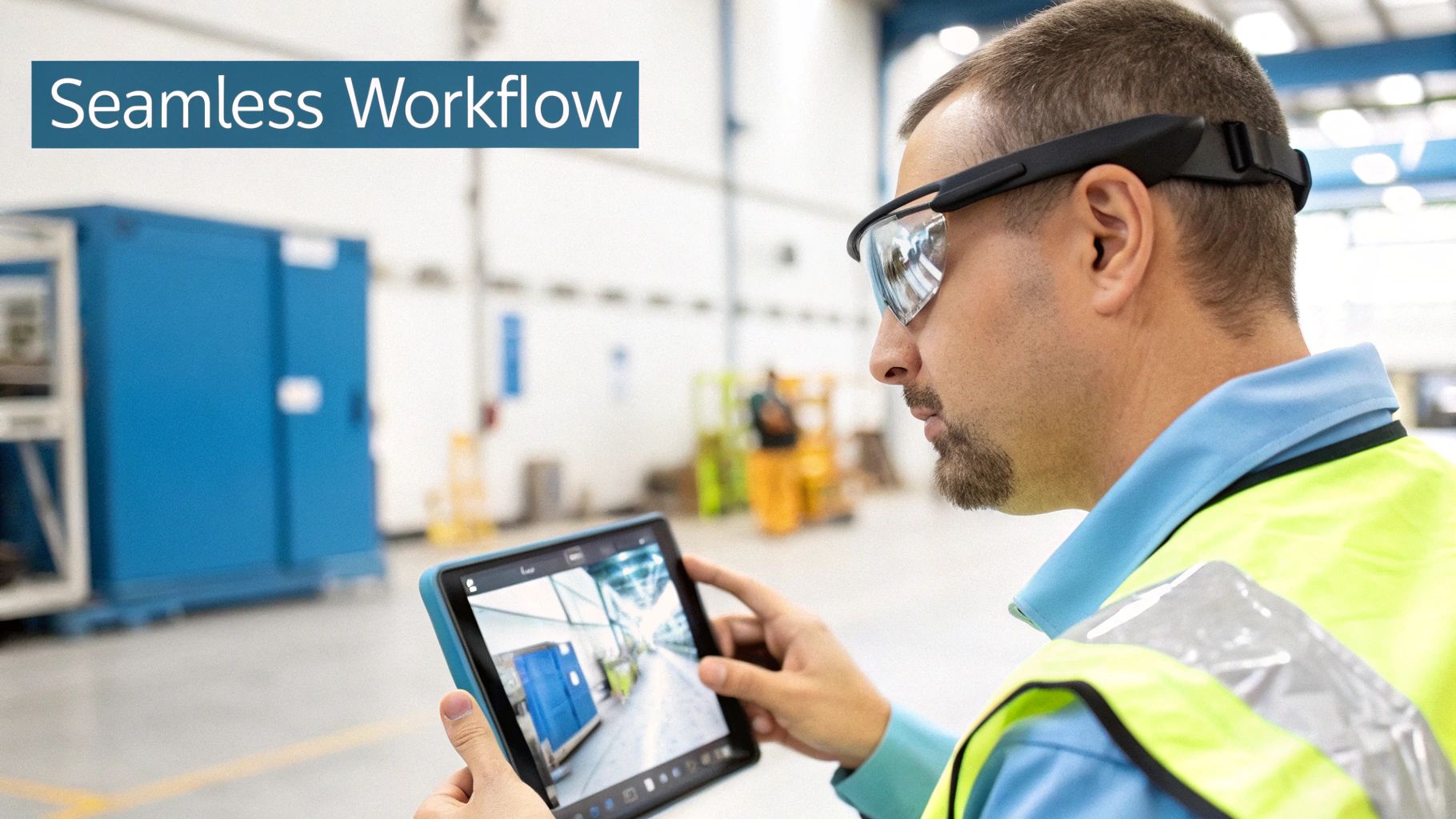
Acquiring new technology is only the first step. The true challenge lies in making it a natural, seamless part of your team's daily operations. The full potential of remote visual inspections is realized when it ceases to be a separate tool and becomes integral to your standard operating procedures. This is where significant efficiency gains are achieved.
The ultimate objective is a smooth flow of information, from the technician on the ground to actionable data logged in your core systems. The goal is not to replace your current processes but to enhance them—making every step faster, safer, and data-rich. When integration is executed correctly, the technology serves your team, not the other way around.
First, Map Your Current Inspection Process
Before implementing any new technology, you need a clear and accurate understanding of your current workflows. Begin by mapping your entire inspection and maintenance process, from the initial trigger to final resolution. This involves not just creating a technical diagram but also consulting with the personnel who perform the work.
Pinpoint every touchpoint:
- The Trigger: What initiates an inspection? Is it a routine schedule, an urgent call from an operator, or an automated sensor alert?
- The Execution: Who performs the inspection? What tools do they use, what documentation do they complete, and how are findings recorded?
- The Escalation: What happens when a technician encounters a problem requiring expert assistance? How is contact made, and how is information shared? (Often, this involves a combination of phone calls and low-quality photos).
- The Resolution: How are work orders created and tracked? What is the approval process for repairs?
This detailed analysis will highlight the bottlenecks and communication gaps where remote visual inspections can deliver the most significant impact. For RVI to be effective, it must integrate with your existing systems. For a better understanding of the technical requirements, consulting a seamless system integration guide can provide valuable principles.
The Power of CMMS Integration
Your Computerized Maintenance Management System (CMMS) or Enterprise Asset Management (EAM) platform is the core of your maintenance operations. Integrating RVI directly with your CMMS transforms it from a static digital record into a dynamic command center.
Consider a scenario where a technician is using AR smart glasses to inspect a failing hydraulic pump. A remote engineer, miles away, circles the leaking gasket on the live video feed and digitally attaches the correct part number. With robust integration, this entire package—the video, the expert's notes, the annotations—automatically generates a work order in the CMMS.
Linking your RVI platform and CMMS eliminates manual data entry, reduces the risk of human error, and significantly shortens the time between problem identification and resolution. This connection ensures that critical information is never lost in an email chain or on a misplaced note.
This automated workflow continuously enriches your asset history with visual evidence, which is invaluable for future troubleshooting and predictive maintenance. Field service teams, in particular, realize substantial benefits, gaining a complete visual and historical record for every asset. You can explore how this improves efficiency by reading about augmented reality in field service.
A Real-World Look at RVI and Maintenance in Action
A large manufacturing plant was consistently dealing with unexpected equipment breakdowns. Previously, when a critical conveyor belt failed, the on-site mechanic would begin troubleshooting, which often led to a lengthy exchange of phone calls and pixelated photos with an off-site senior engineer.
By implementing an AR-based RVI solution, they transformed their process. Now, the mechanic on the floor wears smart glasses and initiates a video call directly from their maintenance application. The senior engineer sees exactly what the mechanic sees and can guide them through the repair in real time.
Once the issue is identified, the RVI software, which is integrated with the CMMS, allows the engineer to instantly create a work order with all visual evidence attached. This single change reduced their average diagnostic time by over 50% and significantly increased their first-time fix rates. It is a prime example of the power of a deeply integrated system.
Launching a Successful RVI Pilot Program
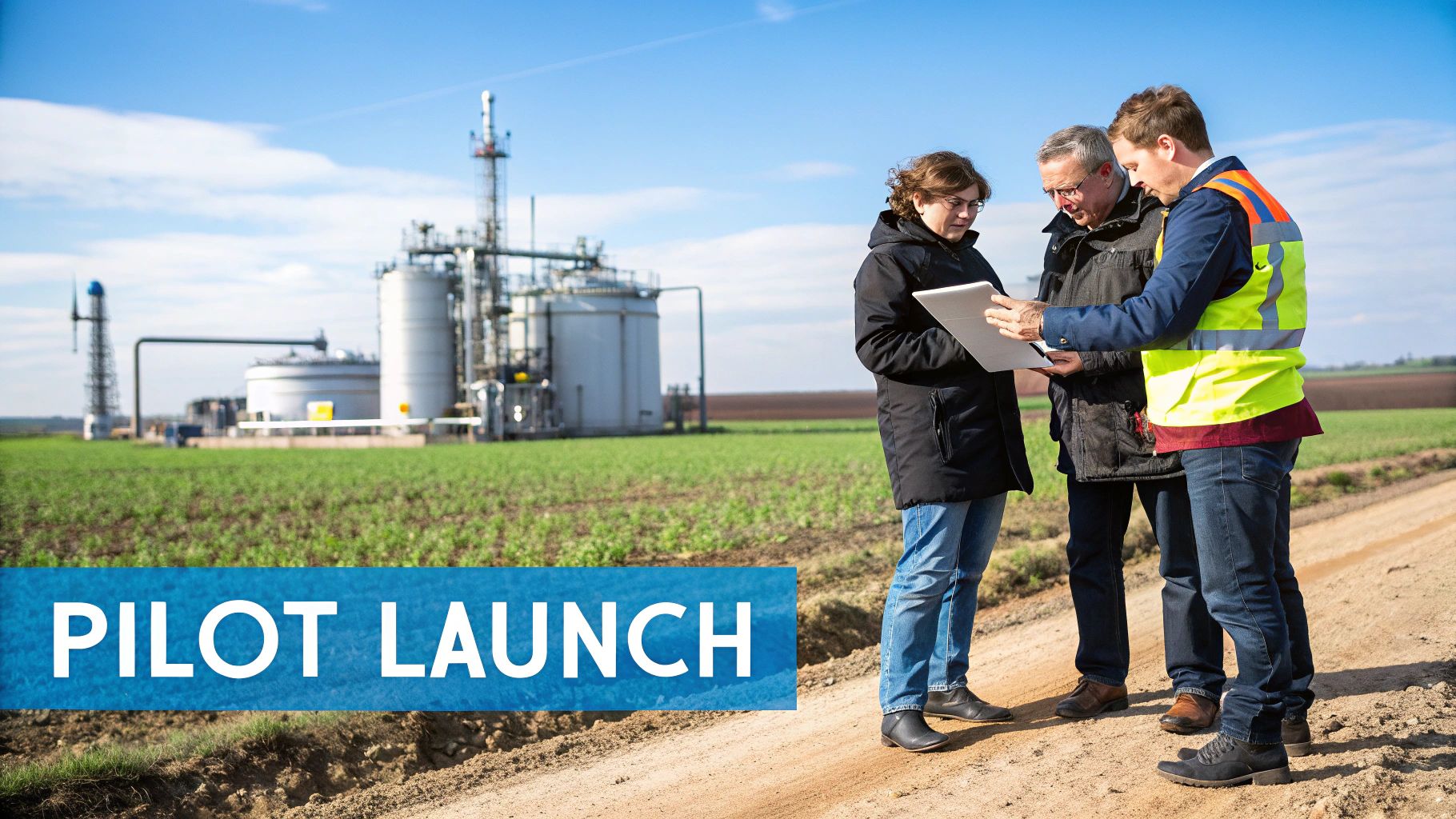
Deploying new technology across an entire organization can be a formidable task. For remote visual inspections, the key is to start with a focused initiative before scaling up. A well-designed pilot program is your most effective tool for proving value, resolving issues, and building the momentum needed for a successful full-scale deployment.
The objective is to demonstrate how RVI can solve a specific, persistent problem for your team. By starting with a targeted goal and achieving a clear win, you can build a powerful business case that gains support from both technicians and management.
Define a Narrow Scope and Clear Goals
Your pilot program requires a laser-focused objective. Avoid spreading resources thin by trying to address every inspection challenge simultaneously. Instead, select one high-impact area where RVI can make an immediate and measurable difference.
Consider these starting points:
- A Single Asset Type: Focus on one piece of equipment known for frequent failures or difficult inspections, such as a problematic pump or an inaccessible HVAC unit.
- A Specific Task: Target a single, repetitive job, like routine quality assurance checks on a production line.
- A High-Risk Area: Choose an inspection that involves confined spaces or working at heights, where the safety benefits will be immediately apparent.
Once your focus is established, set clear, measurable goals. Define what success looks like. This could be reducing inspection time by 20%, eliminating the travel costs for one remote expert, or improving the first-time fix rate for a specific asset. These quantifiable metrics are essential for demonstrating the pilot's success.
Assemble Your Pilot Team and Manage Change
Technology is only one part of the equation; people are the other. Your pilot team should consist of forward-thinking individuals who are open to new methods. An effective combination often includes an enthusiastic field technician, a supportive supervisor, and an IT specialist to resolve any connectivity issues.
Change can be challenging, especially for experienced technicians who rely on familiar tools. It is crucial to frame the pilot not as a replacement for their expertise, but as a tool that enhances it—making their jobs safer and more efficient.
The most effective way to gain buy-in is to involve technicians in the solution from the beginning. Solicit their input on the hardware, listen to their feedback, and empower them to share their positive experiences with their peers. This approach turns a top-down directive into a grassroots adoption.
Execute the Pilot and Gather Feedback
With your team assembled and goals defined, it is time to begin. Provide hands-on training tailored to the specific tasks they will be performing. Generic software demonstrations are less effective than practical, relevant instruction. Allow them to become comfortable with the smart glasses or camera before the first official inspection.
During the pilot, maintain open lines of communication. Daily check-ins or a dedicated communication channel can help address issues as they arise, whether it's a software glitch or a user interface challenge. This demonstrates your commitment to supporting the team.
Most importantly, continuously gather feedback. Ask specific questions:
- Were the smart glasses comfortable? Was the device intuitive to use?
- Was the audio and video quality sufficient for the remote expert?
- What were the most challenging aspects of the process?
- How can we improve the workflow?
This feedback is invaluable. It helps refine the process and shows your team that their experience matters. With these early successes and compelling testimonials, you can build an undeniable case for remote visual inspections, paving the way for a smooth, company-wide rollout.
Ensuring Data Security and Compliance
When you implement remote visual inspections, you are creating a significant stream of sensitive operational data. Every video feed, annotated image, and recorded session contains valuable intellectual property. Protecting this information is not merely an IT concern—it is a fundamental business requirement that safeguards your entire operation.
A robust security framework must be established from the outset. This means considering how data is protected at every stage: during transmission from a technician's smart glasses, while being analyzed by a remote expert, and while in storage for future reference. A single vulnerability can compromise your operational integrity.
Fortifying Your Data Transmission
The first line of defense is securing data in transit. Live video streams from the field are a prime target if not properly protected. End-to-end encryption is an absolute necessity. It ensures that only authorized individuals—the on-site technician and the remote expert—can view the feed.
Beyond encryption, strong user authentication is required to control access to your RVI platform. This should go beyond a simple username and password.
- Multi-Factor Authentication (MFA): This adds a critical security layer by requiring users to provide a second form of verification, such as a code sent to their mobile device.
- Role-Based Access Control (RBAC): Not all users require full access. RBAC allows you to assign specific permissions, ensuring individuals can only view and interact with the data necessary for their roles.
Protecting your RVI data stream is analogous to securing a private conversation. Encryption scrambles the content to prevent eavesdropping, while strong authentication ensures only invited participants are present.
To implement this correctly, it is important to understand the best data security technologies available to counter modern cyber threats.
Navigating Industry Compliance
Many industries operate under strict regulatory requirements. In sectors like energy, aerospace, and pharmaceuticals, compliance is essential for maintaining your license to operate. Any RVI solution you adopt must meet these exacting standards, which almost always include maintaining meticulous audit trails.
An audit trail is an immutable, time-stamped log of every action taken within the system. It records who accessed what data, when they accessed it, and what actions they performed. This transparency is crucial for successfully navigating audits and conducting internal security investigations. You must also consider data storage policies, especially with a global footprint. Regulations like GDPR have specific rules regarding the handling and storage of personal data, and your RVI platform must comply.
Before selecting a provider, ask these direct questions:
- How is data encrypted, both in transit and at rest?
- What user authentication methods do you support?
- Can you provide detailed, immutable audit logs for all user activity?
- Where will our data be stored, and how do you comply with regional data sovereignty laws?
Receiving clear, confident answers to these questions will help you build a remote visual inspections program that is not only efficient but also fundamentally secure and compliant.
How to Measure Your RVI Success and ROI
You have implemented a remote visual inspection program—a significant achievement. The next critical step is to demonstrate its value. When leadership asks about the return on investment, a definitive, data-backed answer is required.
This involves more than just calculating software and hardware costs. It requires building a solid business case that shows precisely how RVI is impacting your operations, safety, and bottom line. Let's examine how to transform your RVI program from a perceived cost center into a proven value driver.
Defining Your Key Performance Indicators
Before calculating ROI, you must define what success means for your organization. What specific problems did you aim to solve with RVI? Your Key Performance Indicators (KPIs) should directly reflect these goals. The first step is to establish a baseline. You need to understand your "before" state to accurately measure the "after."
Your most impactful KPIs will likely fall into these key areas:
- Operational Metrics: This is where you will see the most immediate results. Track metrics like asset downtime, first-time fix rates, and the total time required to complete an inspection. An increasing first-time fix rate is a strong indicator of improved diagnostic accuracy.
- Financial Metrics: This is a direct calculation. Tally the reduced travel costs, including flights, hotels, and per diems for experts. Also, account for savings from reducing reliance on third-party contractors for routine inspections.
- Safety and Compliance Metrics: The value of safety should not be underestimated. Monitor for a reduction in safety incidents or near-misses in hazardous environments. This is a crucial benefit for your team and an important component of the overall ROI.
The most compelling ROI arguments combine quantitative data with qualitative benefits. A 75% reduction in expert travel is a powerful statistic, but when paired with examples of improved team collaboration and faster problem-solving, it creates a much richer picture of success.
Calculating Your Return on Investment
With your KPIs established, you can calculate the ROI. The formula is: (Net Profit / Cost of Investment) x 100. For RVI, this means weighing the total savings and efficiency gains against the costs of hardware, software, and training.
Industry data from the 2023 State of Visual Inspection Market Survey identifies key opportunities. While 60% of companies are automating data analysis, only 30% have automated both collection and analysis. This gap represents a significant competitive advantage. The fact that 64% of companies rely on third-party software also underscores the value of using a specialized, robust platform to manage visual data.
By consistently tracking your metrics, you can directly quantify the value your RVI program delivers. For instance, if you reduce asset downtime by 20 hours per month, and each hour of downtime costs your company $5,000, that translates to a $100,000 monthly gain.
Combine this with travel savings and improved fix rates, and the financial case for RVI becomes undeniable. For a more detailed approach, our guide on key operational efficiency metrics can help you build an even stronger business case.
Let's Tackle Some Common RVI Questions
When evaluating remote visual inspections, several common questions arise. Addressing these concerns early is key to a smooth rollout and gaining team-wide acceptance.
Often, the primary concerns are practical. How do you establish a reliable network connection in a challenging industrial or remote field environment? How do you encourage a seasoned technician to adopt smart glasses? And critically, how do you ensure the data from these new tools integrates with your existing CMMS?
How Much Training Are We Talking About?
Modern AR tools are designed for rapid adoption. Most technicians can become proficient with the basics after a single hands-on session, typically lasting just a few hours.
The key to effective training is relevance. Instead of demonstrating generic features, show technicians how to use the tool to perform their specific daily tasks. When they see firsthand how it makes their job easier and safer, adoption occurs naturally.
The objective is not to turn your field experts into IT specialists. The goal is to provide them with a tool that feels as intuitive as a wrench, allowing them to focus on their work, not the technology.
Can We Really Stop Sending Experts to Sites?
For a significant portion of routine inspections and troubleshooting, the answer is a definitive yes. RVI can often eliminate the need for expert travel, resulting in substantial savings in time and money. It is common for organizations to reduce travel budgets by 75% or more.
However, for a new, highly complex installation or a major repair requiring a specialist's physical presence, on-site expertise will likely still be necessary. The true power of remote visual inspections lies in strategic application—it dramatically reduces the frequency of travel, reserving it for the most critical, hands-on tasks rather than being the default option. This approach allows you to apply your top-tier expertise where it matters most, without the constant drain of travel costs and delays.
Ready to see how AR-powered remote visual inspections can transform your operations? The team at AIDAR Solutions can build a customized plan to reduce your downtime, cut travel costs, and empower your technicians. Explore our solutions today.