Augmented Reality in Field Service: A Practical Guide
Picture a service manual that comes to life, projecting digital instructions right onto the machine you're trying to fix. That's the powerful promise behind augmented reality in field service. It’s about bridging the gap between your most seasoned experts and the technicians on the front lines, giving every worker instant access to the right guidance at the right time.
Complex problems suddenly become manageable tasks.
The New Reality for Field Technicians
The field service industry is grappling with a significant challenge: a widening knowledge gap. As veteran technicians retire, a new generation is left to maintain equipment that’s more complex than ever. Traditional methods—flipping through paper manuals or making endless phone calls for support—are slow, inefficient, and often lead to costly repeat visits.
This is where augmented reality offers a practical solution. It’s not about replacing skilled technicians; it’s about empowering them.
Using a smartphone, tablet, or a pair of smart glasses, a technician can overlay critical information—wiring diagrams, 3D models, step-by-step instructions—directly onto their view of the equipment. A standard repair call is transformed into a guided, interactive experience.
Closing the Knowledge Gap
This digital overlay acts like an ever-present mentor, serving up context-aware support exactly when and where it's needed most. The impact on operations is immediate and measurable.
- Solve Problems Faster: Technicians can diagnose and fix issues in a fraction of the time when the critical information is literally in their line of sight.
- Boost First-Time Fix Rates: With real-time guidance, the odds of getting the job right on the first visit skyrocket, cutting down on expensive follow-up calls.
- Improve Safety and Compliance: AR can highlight hazardous areas or walk technicians through safety protocols step-by-step, creating a much safer work environment.
Augmented reality essentially gives every technician the collective knowledge of your organization's best experts, instantly. This ability to democratize expertise is key to building a more resilient and effective field team.
As more companies explore technologies like AR, it helps to understand the bigger picture of digital transformation best practices and how this shift fits in. This guide will lay out a clear roadmap for putting AR to work, moving from basic applications to real, measurable business results.
How AR Transforms Daily Field Operations
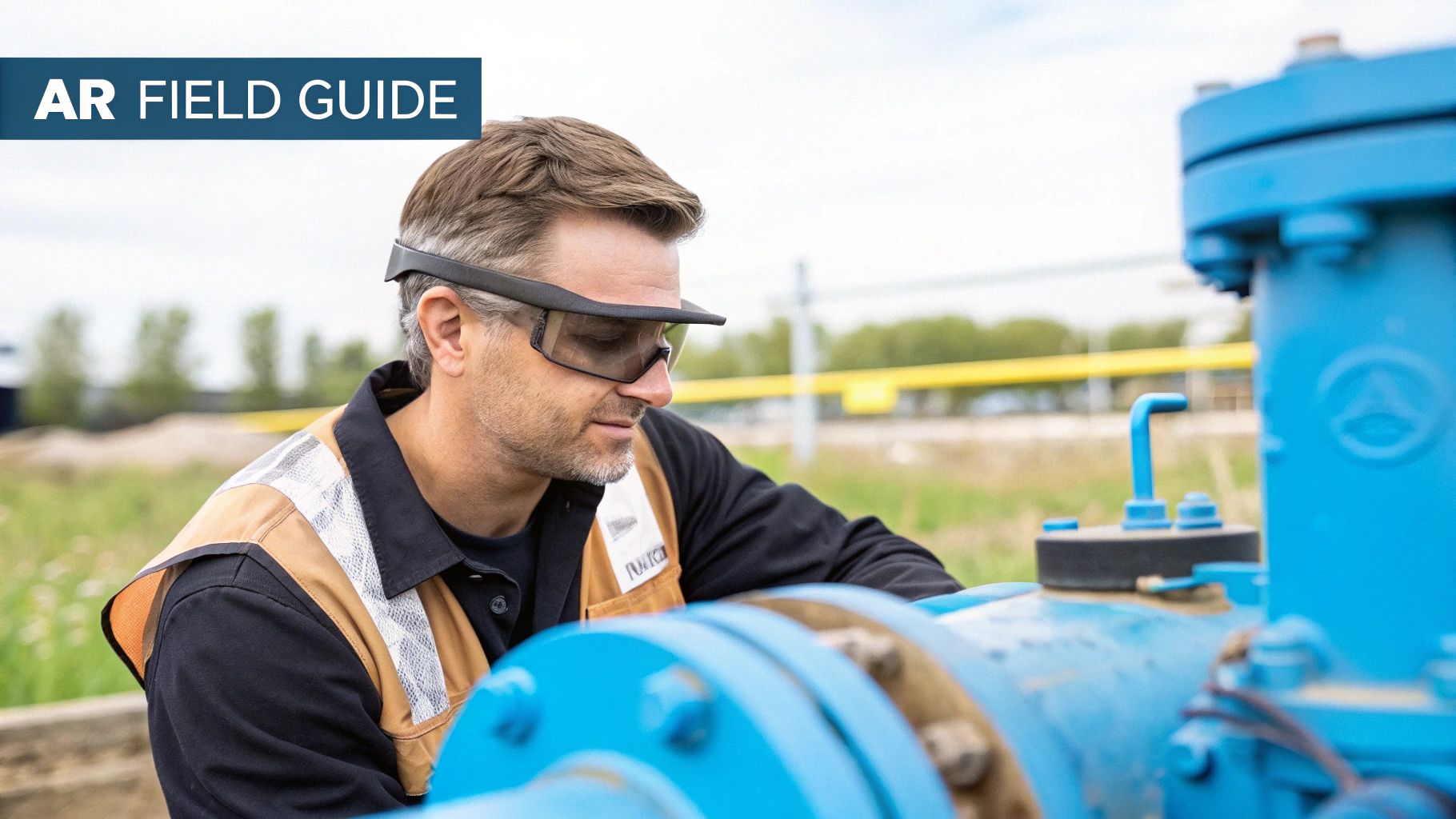
Augmented reality in field service is more than a novel tool; it's fundamentally changing how technicians execute their tasks. It shifts the entire dynamic from wrestling with static manuals or trying to describe a problem over the phone to having clear, guided procedures right in front of their eyes. AR overlays digital information directly into a technician's real-world view, giving them instant, context-aware support exactly when and where they need it most.
Three core applications are driving this transformation, each solving a major challenge that field teams have faced for years. From getting an expert's eyes on a problem instantly to making workflows virtually mistake-proof, these AR use cases are making service operations smarter, safer, and significantly more efficient.
Remote Expert Assistance
Consider a junior HVAC technician facing an unfamiliar commercial unit. The traditional process involved a frustrating phone call trying to describe complex parts, or worse, waiting hours—or days—for a senior expert to travel to the site. This results in significant delays and escalating costs.
Augmented reality remote assistance eliminates that friction.
The on-site technician can use a smartphone, tablet, or smart glasses to share their live point-of-view with an off-site expert. The expert sees exactly what the technician sees and can guide them with pinpoint precision.
- Live Annotations: The remote expert can draw, circle, and place arrows directly onto the technician’s screen, pointing to the exact wire to check or the specific valve to turn.
- Document Sharing: If a schematic or service history is needed, the expert can push it directly into the technician's view for immediate access.
- Step-by-Step Guidance: The expert can walk the technician through the entire repair, ensuring every step is performed correctly and in the proper sequence.
This "see-what-I-see" capability is a game-changer. It slashes the need for expert travel, saving substantial time and money. It also means your most seasoned veterans can support multiple junior technicians in different locations on the same day, effectively scaling their expertise. To dive deeper, check out our guide on how AR remote assistance works.
Guided Digital Workflows
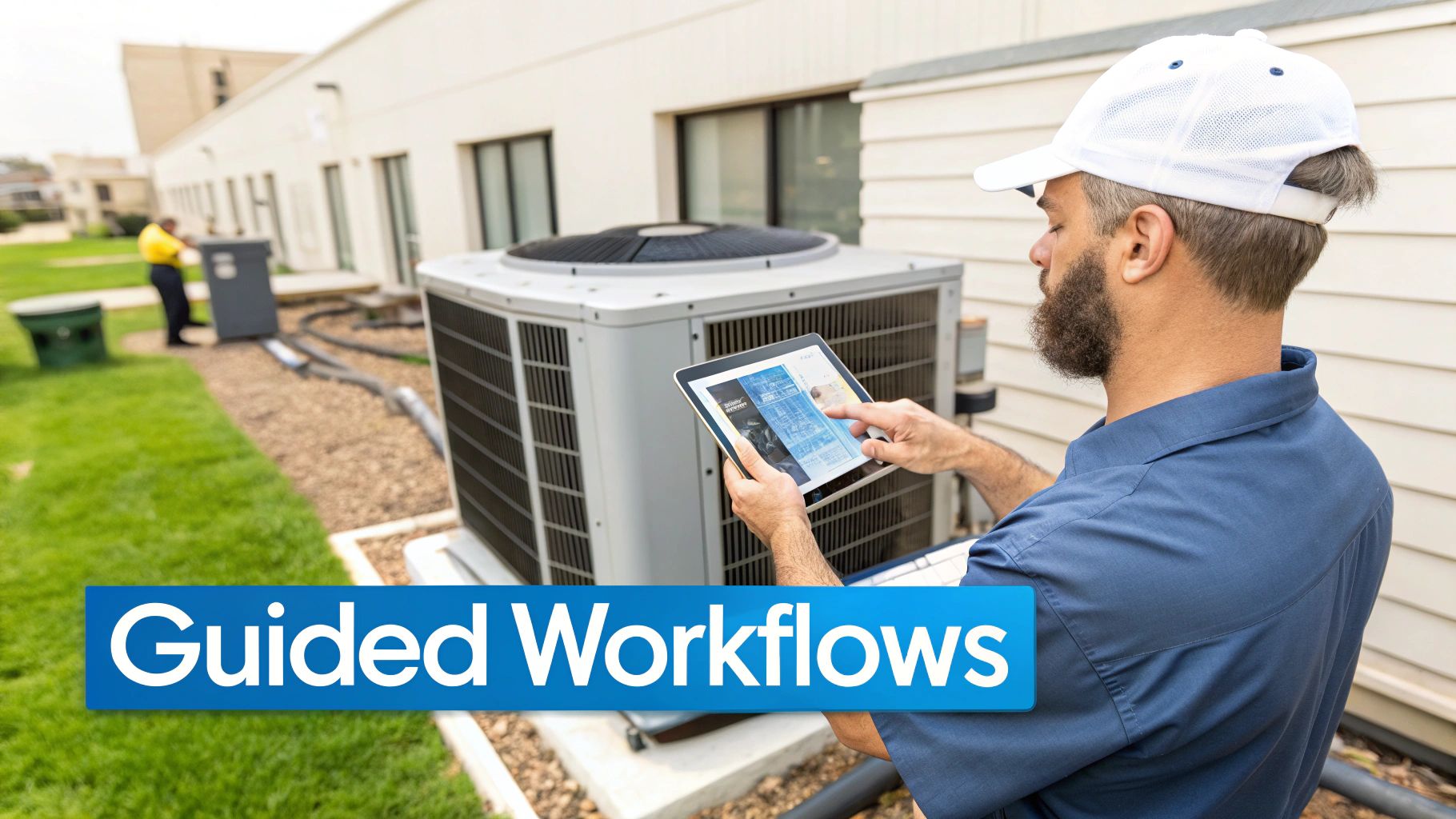
Procedural errors are a common cause of failed repairs and safety incidents. Guided digital workflows use AR to address this by overlaying step-by-step instructions and checklists directly onto the equipment being serviced. This ensures procedures are followed correctly, every single time.
Think of it as a digital GPS for repair jobs. The AR application recognizes the equipment and projects interactive 3D diagrams, text instructions, or safety warnings onto the correct physical components. The technician simply moves through the workflow, confirming each step as they go.
This approach turns complex, multi-step procedures into a simple, visual checklist. It enforces standardization across your entire service team, guaranteeing that new hires and seasoned veterans follow the exact same best practices for every job.
This digital guidance is invaluable for:
- Complex Assemblies: Guiding technicians through intricate assembly or disassembly sequences to prevent costly damage.
- Routine Maintenance: Ensuring no steps are missed during standard inspections or preventative maintenance.
- Compliance Checks: Automatically documenting that every required safety and quality check has been performed and logged.
By making the correct procedure the easiest one to follow, companies are seeing a significant increase in first-time fix rates and a notable reduction in human error.
Immersive Training and Onboarding
The skills gap is a persistent challenge in the industry. Traditional training methods can be slow, expensive, and sometimes unsafe. Immersive training with AR offers a powerful alternative, allowing new hires to practice complex tasks in a completely safe, controlled environment.
Using an AR headset or device, trainees can interact with virtual 3D models of real-world equipment. They can practice difficult repairs, learn to identify parts, and build crucial muscle memory without any risk to themselves or expensive machinery. This hands-on, simulated experience prepares them for the field far more effectively than reading a manual or watching a video.
Industry analyses show that AR and VR simulations can lead to 50–75% faster competency attainment compared to traditional training methods. This allows organizations to increase training throughput while reducing material waste and the need for trainees to work on live, potentially dangerous equipment.
Ultimately, it means new technicians arrive at their first job with more confidence and competence, ready to perform from day one.
Measuring the Business Impact of AR
While the technology behind augmented reality is impressive, its true value is reflected in the P&L statement through tangible, measurable results. The business impact of augmented reality in field service becomes clear in the key performance indicators (KPIs) that define operational success. This is where AR transitions from an innovative concept to a core driver of efficiency and profitability.
The most immediate benefits are often in areas that have historically been a drain on resources: repeat visits, travel costs, and equipment downtime. By giving technicians instant access to expertise and guided instructions, AR addresses these pain points directly, turning operational challenges into measurable gains. The return on investment is not abstract; it is visible in the hard numbers.
Driving Down Core Operational Costs
One of the largest expenses in field service is the "truck roll." Dispatching technicians is costly, but sending them out a second or third time for the same issue is a significant financial burden. AR directly attacks this by dramatically improving the First-Time Fix Rate (FTFR)—a critical metric for any service organization.
When a technician can solve a complex issue on the first visit with remote expert guidance, the fuel, labor, and opportunity costs of a follow-up trip are eliminated.
Furthermore, consider the efficiency of your senior experts. Flying a specialist across the country for a single repair is highly inefficient. With AR, that same expert can remotely guide multiple junior technicians through complex repairs in a single day. Organizations have reduced their expert travel costs by 75% or more, freeing up their most valuable personnel to focus on high-impact work instead of travel.
By directly improving first-time fix rates, AR doesn't just save money on a single service call. It creates a ripple effect, increasing technician productivity, boosting asset uptime, and improving overall customer satisfaction.
Enhancing Asset Performance and Customer Satisfaction
Equipment downtime is more than an inconvenience; it can halt a customer's entire operation, costing them thousands of dollars per hour. AR shortens the Mean Time to Repair (MTTR) by equipping technicians with the tools to diagnose and resolve issues faster than ever. When a technician can solve a problem in one hour instead of four, it has a direct and significant impact on customer loyalty and contract renewals.
This speed and accuracy naturally lead to a superior customer experience. Clients notice the faster resolutions and appreciate the modern approach to problem-solving, which solidifies their trust in your team. The first step is knowing which numbers to watch, and you can learn more about tracking these improvements by reviewing common operational efficiency metrics.
This table highlights the difference between a traditional service model and one enhanced by AR, showing how key metrics can evolve.
Comparing Traditional vs AR-Enhanced Field Service KPIs
This table illustrates the direct impact of augmented reality on key performance indicators (KPIs) in field service operations, showing measurable improvements.
| Key Performance Indicator (KPI) | Traditional Method Benchmark | AR-Enhanced Performance |
|---|---|---|
| First-Time Fix Rate (FTFR) | Typically ranges from 75-85% | Often exceeds 90% with remote expert support |
| Mean Time to Repair (MTTR) | Varies widely, can be 4-8 hours for complex issues | Reduced by 25-50% with guided workflows |
| Expert Travel Costs | High, represents a significant operational expense | Reduced by over 75% through remote assistance |
| Technician Training Time | Months to achieve full competency | Time-to-competency reduced by up to 50% |
This direct comparison makes the business case for AR undeniable. It is not about distant potential; it is about achieving concrete, quantifiable improvements in the metrics that matter most to your operation today. The numbers demonstrate a powerful return on investment driven by a more connected and capable workforce.
A Practical Roadmap to AR Implementation
How do you begin implementing augmented reality in the field? A successful rollout is a strategic journey—one that starts small, proves its value quickly, and then scales intelligently.
Think of it as a methodical expedition. You start by identifying a single, high-impact problem to solve, demonstrate tangible results, and then use that momentum to expand. This approach fosters team buy-in and smooths the path for a broader, enterprise-level deployment.
Launch a Targeted Pilot Program
The most effective way to begin is with a focused pilot program. Instead of trying to solve every problem at once, select one specific, recurring issue that is a constant drain on resources.
This could be a particular machine with a poor first-time fix rate, or a complex procedure that consistently requires assistance from your most senior expert. By concentrating on a single pain point, you can measure the "before and after" with clarity. This provides a powerful, data-backed case when it is time to request a larger investment.
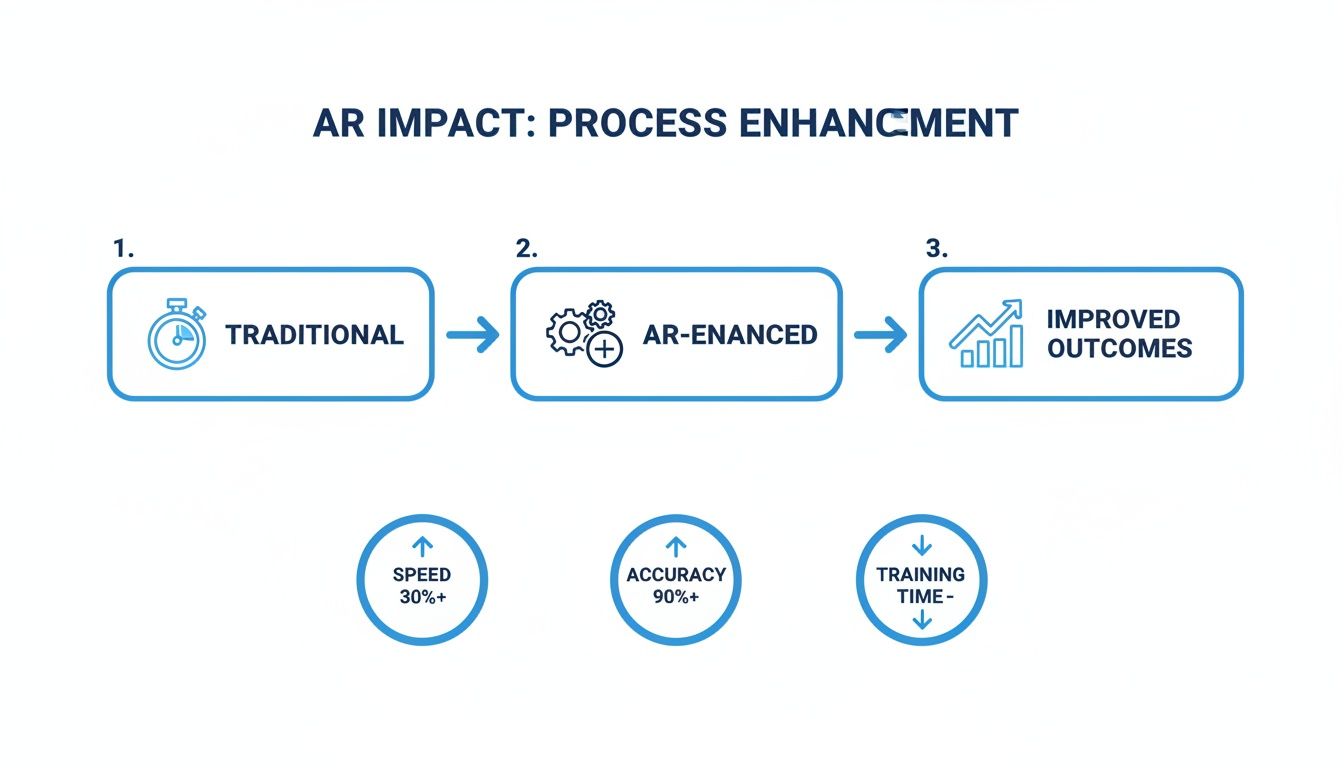
This flowchart illustrates the shift from slow, traditional methods to a streamlined, AR-enhanced process. It represents a direct path to improved productivity and accuracy.
Select the Right Hardware for the Job
The hardware you choose is critical and depends on the real-world environment your technicians operate in. There is no single "best" device; the right choice is a balance of function, usability, and cost.
Here is a brief overview of the options:
- Smart Glasses: Ideal for complex, hands-on jobs where technicians need both hands free. They provide an immersive way to follow guided workflows directly in their line of sight.
- Tablets: Perfect for displaying detailed schematics or interacting with complex 3D models. Their larger screen real estate is ideal for in-depth diagnostics.
- Smartphones: The most accessible option. You can begin with the devices your team already possesses, making them excellent for remote expert calls and quick information retrieval.
Many teams start their pilot with smartphones and tablets to prove the concept. Once the value is clear, they invest in specialized smart glasses for the roles that will benefit most.
Integrate with Your Existing Systems
For AR to be truly effective, it must integrate seamlessly into the daily workflow. If it is just another standalone application, technician adoption will be low.
The full power of AR is unlocked when it communicates with the systems your team already relies on. Imagine a technician launching a remote support call directly from a work order in their Field Service Management (FSM) software. When the call ends, all notes, photos, and session data are automatically logged back into the FSM and your ERP. This creates a seamless, end-to-end augmented reality workflow that simplifies the technician's job.
Drive Adoption with Change Management
The best technology is useless if it is not adopted. This brings us to the most crucial step: change management. Your technicians need to see AR as a tool that makes their jobs easier, safer, and less frustrating—not as another corporate mandate.
The goal is to position AR as a tool that empowers them, giving them the expertise of a senior engineer right in their pocket.
Success in this area depends on a few key actions:
- Involve Technicians Early: Include them in the conversation from the beginning. Get their feedback when selecting pilot projects and testing hardware.
- Provide Hands-On Training: Move beyond manuals. Allow your team to get comfortable with the tools in simulated, real-world scenarios to build confidence.
- Highlight the "What's In It for Me": Be direct about the benefits—less time on frustrating calls, faster fixes, and a safer work environment.
The transition from small pilots to widespread adoption is happening now. Gartner predicted that over 50% of FSM deployments would include mobile AR tools by 2025—a significant increase from less than 10% in 2019. By following a strategic, practical roadmap, you can ensure your organization is leading this transformation, not just keeping pace.
Choosing Your Strategic AR Partner
Selecting the right augmented reality software is only part of the equation. The key to long-term success with augmented reality in field service lies in choosing a strategic partner, not just a software vendor. You need a partner who is as invested in your operational success as you are—one who can guide you from a small pilot to a full-scale, enterprise-wide deployment.
This decision involves more than a feature checklist. It's about finding a partner who understands the unique pressures of industrial environments and knows how to navigate the complexities of integration, user adoption, and future-proofing your investment. The right partner becomes an extension of your team, providing both the technology and the expertise to ensure you achieve real, measurable value.
Evaluating Scalability and Growth Potential
One of the first questions to ask is: can this platform scale? Your initial pilot may involve a small number of technicians at a single site. But what happens when you are ready to expand to hundreds, or even thousands, of users globally? A partner’s platform must be built on an architecture that can handle that growth without performance degradation.
Look for a vendor with a proven track record of supporting large, enterprise-level deployments. This demonstrates that their infrastructure is robust and their support systems are capable of handling increased demand.
A truly scalable solution is not just about purchasing more user licenses. It is about the platform's ability to grow with your business, adapting to new use cases and integrating with more systems as your operational needs evolve.
Prioritizing Integration Capabilities
For AR to become an indispensable tool, it must communicate with the systems your team uses daily. A standalone AR application that forces technicians to switch between different software will lead to frustration and low adoption rates. Your partner must offer robust integration capabilities, particularly through APIs (Application Programming Interfaces).
This is what transforms AR from a novel gadget into a core part of your workflow. For example, a technician should be able to:
- Initiate a remote assistance call directly from a work order in your Field Service Management (FSM) system.
- Automatically push service records, annotated images, and notes back into your ERP or asset management software upon job completion.
- Access historical service data or a digital twin of a machine without leaving the AR interface.
A partner who understands this knows how to make technology work for your people, not the other way around.
Assessing Enterprise-Grade Support and Innovation
Finally, you need to evaluate the partner's commitment to both your present and your future. This means examining the quality of their enterprise-grade support and the clarity of their product roadmap. When a critical piece of equipment is down and a technician needs assistance, you need a support team that responds with urgency and expertise.
Equally important is their vision for the future. Technology evolves rapidly, and you need a partner who is committed to innovation. Ask to see their product roadmap. How are they planning to incorporate new developments in AI, IoT data visualization, and next-generation hardware? A clear, ambitious roadmap is a strong indicator that you are engaging with a forward-thinking partner who will help you maintain a competitive edge. For a deeper dive into this, exploring options for augmented reality consulting can provide valuable insights into building a long-term strategic partnership.
Your Field Service Operations Have a Future, and It’s Here Now
This guide has shown that augmented reality in field service is no longer a futuristic concept. It is a practical tool that teams are using today to achieve tangible, bottom-line results. The technology has moved beyond the pilot phase and is becoming a core component of how leading companies solve their most persistent operational challenges. But this is just the beginning.
The next wave is already forming as AR merges with other powerful technologies. Imagine AI-driven diagnostics integrated directly into an AR headset. A technician could simply look at a machine, and an overlay would instantly flag components showing signs of wear, providing real-time health data and proactive maintenance steps. That is the future of field service.
The Unfair Advantage of Moving First
This constant innovation is why early adoption provides a significant competitive advantage. To understand the trajectory of this technology, it is important to monitor advances in AR hardware like the Apple Vision Pro, which continue to expand the boundaries of what is possible. These devices become more powerful, intuitive, and affordable each year.
The key takeaway is this: The future of service is not about fixing what is broken. It is about preventing it from breaking in the first place. AR is the visual layer that makes this predictive, proactive model a reality.
By equipping your technicians with these tools, you are doing more than just reducing costs or boosting first-time fix rates. You are building a more resilient, knowledgeable, and forward-thinking workforce. This proactive mindset strengthens safety, builds customer loyalty, and establishes your company as a leader prepared for the future.
Adopting AR is no longer a question of if, but when and how fast.
Your AR in Field Service Questions, Answered
Even when the path forward seems clear, it's natural to have questions. When considering a new way of working, both leadership and front-line teams want to understand the practical implications for their day-to-day operations.
Let’s address some of the most common questions from teams like yours.
What’s the Real ROI on an AR Project?
You are not just buying technology; you are investing in results. While every company’s figures will differ, most teams begin to see a positive return on investment in approximately 12 to 18 months. The payback comes from immediate and significant cost savings.
Consider these points:
- Slash Expert Travel Costs: Why fly a senior specialist across the country when they can be there virtually? We regularly see travel budgets for top-tier experts cut by 75% or more.
- Get Machines Running Faster: When a technician has an expert providing guidance or a step-by-step digital guide, repairs are completed in a fraction of the time. For many, this means cutting service times in half and drastically reducing the costly impact of downtime.
- Nail the First-Time Fix: Completing the job correctly the first time is crucial. It eliminates the cost of a second truck roll—the fuel, the labor, and all associated expenses.
This does not even account for the long-term gains. You will find that new technicians become proficient and productive much more quickly, which is a significant advantage for growing teams.
Do My Techs Really Need Those Expensive Smart Glasses?
Not initially. While smart glasses are the gold standard for complex jobs where a technician needs both hands free, you do not have to start there.
Powerful AR tools run perfectly well on the smartphones and tablets your team already carries. This is the smartest way to begin. A pilot program using existing devices is a low-cost, low-risk way to prove the value and help your team become comfortable with the technology. Once you identify where it is making the biggest impact, you can make targeted investments in smart glasses for the specific roles that will benefit most.
This approach lets you scale your investment as you prove the benefits. You’re putting the right tool in the right hands for the right job, without a massive upfront gamble.
How Does This AR Stuff Plug into Our FSM Software?
The best AR platforms are designed for interoperability. They use APIs (Application Programming Interfaces) to connect directly with the systems you already rely on, whether that’s your Field Service Management (FSM), ERP, or asset management software.
When implemented correctly, the workflow is seamless. A technician can be in a work order within their FSM application and launch a remote expert call or access a guided workflow with a single tap. This integration is non-negotiable. It ensures AR becomes a natural part of the job, not a cumbersome, separate application that hinders productivity.
What Are the Biggest Hurdles to Getting This Implemented?
The biggest challenges are almost never about the technology. They are about people. Effective change management is everything. Your technicians need to see this as a tool that makes their difficult days easier, not just another system they have to learn. Good training and clear communication are key.
Another significant consideration is connectivity, especially for teams working in remote or rugged locations. You will want to ensure your AR solution has a low-bandwidth mode or can run guided instructions offline.
Finally, do not try to accomplish everything at once. The most successful rollouts start small. Pick one specific, high-pain, high-value problem, solve it with a focused pilot, and let that success build momentum for future initiatives.
Ready to see how augmented reality can cut your service times and supercharge your first-time fix rates? The experts at AIDAR Solutions can help you design a pilot program that delivers real, measurable results. Schedule a personalized demo to get started.