
7 Powerful Augmented Reality Applications to Watch in 2025
Augmented reality has moved far beyond gaming and social media filters, becoming a transformative force in the industrial and enterprise sectors. Today's leading augmented reality applications are solving complex challenges in manufacturing, logistics, and field service, delivering measurable ROI through enhanced efficiency, safety, and knowledge transfer. This article moves past the abstract concepts to provide a detailed breakdown of the platforms and tools enabling this shift. We will analyze seven pivotal examples, showcasing the strategic value and practical benefits they offer to businesses.
This listicle is designed for decision-makers and technology leaders. We will explore how these solutions are not just innovative but essential for staying competitive. You will see how AR overlays critical digital information onto the physical world to empower frontline workers, streamline complex tasks, and unlock unprecedented operational value. To fully grasp how AR is revolutionizing industries, it's beneficial to also understand complementary technologies. For instance, knowing what AI agents are and how they work can illuminate their potential integration into advanced AR systems for intelligent automation.
Each entry includes a deep-dive analysis, strategic takeaways, and direct links to help you evaluate the best fit for your organization. Get ready to see how tangible augmented reality applications are reshaping the future of work.
1. AIDAR.Service – Remote Expert Support Solution
AIDAR.Service is a standout platform in the realm of augmented reality applications, offering a comprehensive and highly effective solution for remote expert support. It directly addresses the critical need for immediate, on-site expertise in industries where downtime is costly and precision is paramount. By blending real-time communication with immersive AR overlays, AIDAR.Service empowers frontline workers to perform complex tasks like maintenance, inspections, and audits with the direct guidance of a remote expert.
This solution revolutionizes traditional support models, which often rely on phone calls, static manuals, or expensive expert travel. Instead, an on-site technician can use a smartphone, smart glasses, or an AR headset to share their point of view with a specialist located anywhere in the world. The expert can then place digital annotations, 3D models, and step-by-step instructions directly onto the technician's view of the equipment, providing unambiguous, hands-free guidance that dramatically reduces errors and accelerates problem-solving.
Strategic Breakdown & Key Features
The AIDAR.Service platform is focused on industrial-grade utility and measurable outcomes. It is not merely a communication tool; it's a productivity engine designed for demanding operational environments.
Key Strategic Insight: AIDAR.Service moves beyond simple video calls by integrating AR overlays that provide contextual, "see-what-I-see" instructions. This direct visual guidance minimizes misunderstandings and cognitive load on the technician, leading to faster, more accurate task completion.
- Device Versatility: The platform's compatibility with a wide array of hardware, from standard smartphones to advanced mixed-reality headsets, ensures flexibility and scalability. This allows organizations to deploy the solution based on their specific needs and budget, from simple remote checks to complex, hands-free assembly procedures.
- Immersive AR Annotations: Experts can freeze the video stream to draw precise instructions, place directional arrows, or overlay technical diagrams and 3D models directly onto the physical machinery. This capability is crucial for guiding intricate repairs or identifying specific components.
- Customizable Deployment: AIDAR.Service offers both SaaS (Software-as-a-Service) and on-premise deployment options. This flexibility caters to diverse IT security policies and operational requirements, making it a viable choice for organizations in highly regulated industries.
- Proven Performance Metrics: The solution boasts demonstrable results, with case studies showing up to a 50% reduction in service times and a fourfold increase in training throughput. These metrics provide a clear ROI by cutting travel costs, minimizing equipment downtime, and enhancing workforce skills.
Actionable Takeaways & Practical Applications
For organizations seeking to implement powerful augmented reality applications, AIDAR.Service offers a clear path to operational excellence. It transforms remote support from a reactive measure into a proactive tool for efficiency and knowledge transfer. The platform is particularly impactful in manufacturing, energy, and field service sectors, where immediate expert intervention is critical. To better understand how this technology transforms operational workflows, you can explore detailed information about the value of augmented reality remote assistance from AIDAR. By leveraging this technology, businesses can create a more resilient, skilled, and efficient workforce prepared for modern industrial challenges.
Visit the website: https://aidarsolutions.com/aidar-service/
2. Apple App Store (iOS/iPadOS – ARKit)
As the central hub for applications on iPhones and iPads, Apple’s App Store is a critical ecosystem for many of the most polished and widely used augmented reality applications available today. Leveraging the power of ARKit, Apple's native AR development framework, the store provides a platform where performance, security, and user experience are paramount. For enterprises, this translates to a reliable environment for deploying AR tools for training, sales, and customer support.
The App Store’s key advantage is its tight integration with iOS and iPadOS hardware and software. This synergy enables advanced features like AR Quick Look, which allows users to place 3D models of products in their real-world space directly from a web browser or message, creating seamless B2B and B2C sales experiences. The platform's stringent review process ensures that applications meet high standards for performance and privacy, a crucial factor for corporate deployment.
Strategic Analysis & Actionable Takeaways
Unique Offering: The platform’s greatest strength lies in ARKit's system-level integration. Features like advanced plane detection, people occlusion, and LiDAR scanning (on compatible devices) provide developers with powerful tools to create highly realistic and interactive AR experiences. This allows for more sophisticated industrial applications, such as precise equipment placement simulations or intricate training modules where virtual objects realistically interact with the physical environment.
Key Insight: The App Store acts as a gateway to high-performance, consumer-grade AR that has significant enterprise potential. The platform's massive, built-in user base on iPhones and iPads removes the need for specialized hardware for many AR use cases, lowering the barrier to entry for workforce adoption.
Practical Tips for Use:
- For evaluation: Use the App Store's editorial collections like "AR Spotlight" or search for specific use cases (e.g., "AR measurement tool," "AR anatomy") to discover and vet potential solutions for your business needs.
- For deployment: Leverage Apple Business Manager to privately distribute custom-built or licensed AR applications to company-owned devices, ensuring secure and controlled access for your workforce.
- Pricing & Access: Access to the App Store is free on all iOS and iPadOS devices. Applications range from free to paid, with many offering subscriptions or in-app purchases.
Find AR applications at: https://apps.apple.com
3. Google Play Store (Android – ARCore)
As the official application marketplace for the Android ecosystem, the Google Play Store is a vast and accessible distribution channel for a diverse range of augmented reality applications. It leverages Google’s ARCore framework to bring AR capabilities to millions of compatible Android smartphones and tablets. For enterprises, the Play Store’s open nature provides a flexible platform for deploying AR tools across a wide variety of hardware, supporting use cases from on-the-job training and remote assistance to interactive marketing and product visualization.
The key advantage of the Play Store is its massive reach and the automated delivery of "Google Play Services for AR." This background service ensures that devices have the latest AR capabilities without requiring manual user intervention, simplifying deployment and maintenance for IT teams. The platform’s device compatibility gating is also crucial, as it prevents users from downloading "AR Required" apps on unsupported hardware, ensuring a functional experience and reducing support tickets for business applications.
Strategic Analysis & Actionable Takeaways
Unique Offering: The platform's core strength is its hardware-agnostic accessibility powered by ARCore. ARCore is designed to work across a broad spectrum of Android devices from numerous manufacturers. This flexibility allows businesses to deploy AR solutions without being locked into a single hardware vendor, enabling them to choose devices that fit specific needs and budgets, from ruggedized tablets for field service to standard smartphones for sales teams.
Key Insight: The Google Play Store serves as the deployment hub for scalable, cross-manufacturer AR. While device fragmentation can introduce performance variability, it also offers unparalleled choice, allowing companies to equip their workforce with the right tool for the job without overhauling their existing mobile device infrastructure.
Practical Tips for Use:
- For evaluation: Utilize specific search filters and keywords like "ARCore," "AR maintenance," or "AR training" to sift through the extensive catalog and find high-quality, business-focused applications.
- For deployment: Use Managed Google Play to securely distribute public or private custom-built AR applications to employee devices through an Enterprise Mobility Management (EMM) solution, giving you full control over app deployment and updates.
- Pricing & Access: The Google Play Store is pre-installed on most Android devices. Apps are available as free, paid, or subscription-based, offering flexible procurement models for business software.
Find AR applications at: https://play.google.com
4. Meta Quest Store (Mixed Reality on Quest headsets)
As the official storefront for Meta Quest headsets, the Meta Quest Store is evolving from a VR-centric platform into a critical ecosystem for immersive mixed reality (MR) and spatial augmented reality applications. It offers a curated selection of experiences that leverage the full-color passthrough capabilities of devices like the Quest 3, blending digital content with the user's physical surroundings. For enterprises, this provides a powerful, self-contained hardware and software solution for hands-on training, collaborative design, and data visualization.
The store’s key advantage is its unified ecosystem, where hardware and software are designed to work together seamlessly. This integration ensures that MR applications are optimized for performance, providing smooth installation, updates, and account syncing across devices. The expanding catalog now includes not only fully immersive experiences but also a growing number of 2D spatial apps and productivity tools, turning the headset into a versatile computing platform for the modern workforce.
Strategic Analysis & Actionable Takeaways
Unique Offering: The platform's strength is its hardware-integrated mixed reality ecosystem. Unlike mobile AR, the Quest platform provides a fully immersive, hands-free experience where users can interact with high-fidelity 3D models and data overlays using intuitive hand tracking. This is ideal for complex procedural training, such as assembling machinery or performing maintenance, where both hands are needed to interact with virtual and physical objects simultaneously. The growing support for these tools in specialized fields is a key reason for increased adoption in augmented reality manufacturing.
Key Insight: The Meta Quest Store serves as an accessible entry point to dedicated, high-immersion MR without the tethering or complexity of PC-based systems. Its all-in-one nature lowers the barrier to deploying advanced spatial computing solutions for training, remote collaboration, and operational tasks.
Practical Tips for Use:
- For evaluation: Browse the "Mixed Reality" and "App Lab" sections of the store to discover innovative applications. Search for enterprise solutions by name to test their capabilities for industrial design or remote assistance.
- For deployment: Use Meta Quest for Business to manage a fleet of devices, deploy specific applications to your teams, and control device settings securely from a central admin panel.
- Pricing & Access: Access requires a Meta Quest headset. Applications on the store range from free to premium one-time purchases, with some offering subscription models for enterprise-level features.
Find MR applications at: https://www.meta.com/quest/store/
5. Niantic 8th Wall / Niantic Studio (WebAR creation and deployment)
As a leading WebAR platform, Niantic 8th Wall enables developers and brands to create sophisticated augmented reality applications that run directly in a mobile web browser, completely removing the need for an app download. Niantic Studio, its integrated development environment, provides powerful visual editing tools, templates, and scalable hosting. This makes it an ideal solution for businesses aiming to deploy frictionless AR experiences for marketing, retail, and training with maximum reach and minimal user effort.
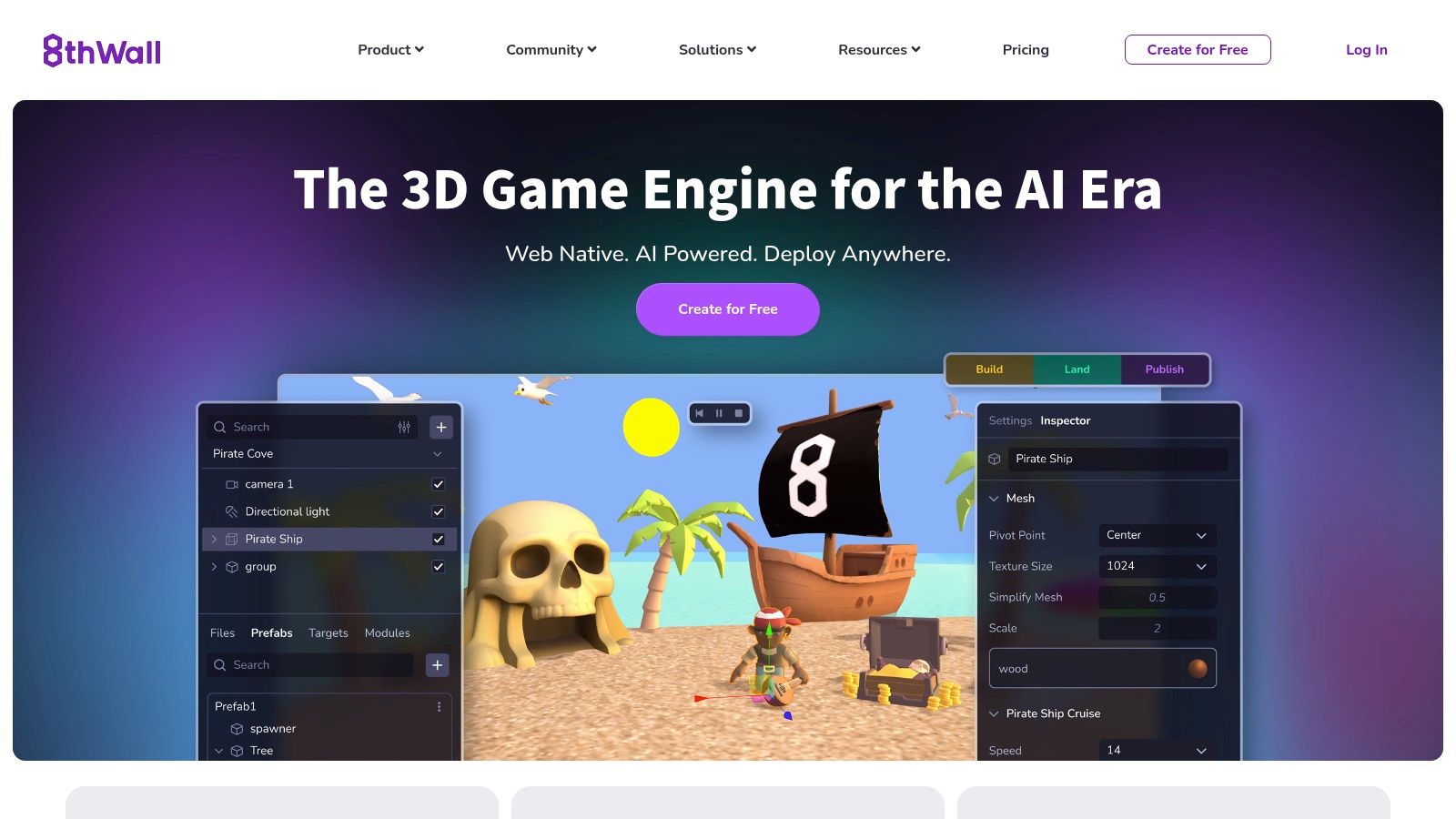
The platform's primary advantage is its "build once, deploy anywhere" capability for both iOS and Android browsers. This cross-platform compatibility simplifies development and ensures a consistent user experience. For enterprises, this means a QR code scan or a simple link click can instantly launch an interactive product visualization, a virtual try-on, or a gamified training module, dramatically increasing engagement and conversion rates by eliminating the app installation barrier.
Strategic Analysis & Actionable Takeaways
Unique Offering: The platform's core differentiator is its app-less WebAR delivery combined with advanced capabilities. Features like its Visual Positioning System (VPS) for Web allow for persistent, location-based AR experiences that anchor digital content to real-world places. This unlocks powerful new opportunities for out-of-home advertising, guided tours, and interactive industrial navigation without the friction of a native app.
Key Insight: 8th Wall effectively democratizes access to AR by leveraging the universal mobile browser. This is a game-changer for enterprise use cases where speed of deployment and user adoption are critical. The platform allows companies to integrate AR directly into existing web properties, marketing campaigns, or even product packaging.
Practical Tips for Use:
- For evaluation: Utilize Niantic Studio’s free tier to prototype and test WebAR concepts for your business, exploring its templates for common use cases like virtual product placement or face effects.
- For deployment: For commercial campaigns, engage with their licensing options to launch branded or white-label experiences with robust analytics and global hosting via their integrated CDN for low-latency performance.
- Pricing & Access: Prototyping and personal publishing are free. Commercial use requires a paid license, with pricing structured around usage, features, and support levels to accommodate projects from small campaigns to large-scale enterprise rollouts.
Find out more about WebAR at: https://www.8thwall.com
6. Unity Asset Store (AR templates, SDKs, and tools)
For organizations building their own augmented reality applications, the Unity Asset Store is an indispensable resource. It serves as Unity’s official marketplace, offering a vast library of pre-built components, templates, and utilities specifically designed to work with AR Foundation, Unity's cross-platform AR framework. This ecosystem allows development teams to dramatically accelerate the creation of custom AR tools for training, maintenance, and marketing by leveraging ready-made assets.
The store’s primary advantage is its ability to reduce development friction. Instead of building core AR functionalities like image tracking or plane detection from scratch, developers can acquire proven, source-included assets. This frees up internal resources to focus on the unique logic and user interface specific to the business need, whether it's an industrial equipment overlay or an interactive product visualizer. The moderated catalog, complete with user ratings and reviews, helps ensure asset quality and reliability for enterprise projects.
Strategic Analysis & Actionable Takeaways
Unique Offering: The platform's core strength is its role as a development accelerator for custom AR solutions. It provides the building blocks for AR Foundation, enabling developers to quickly prototype and deploy sophisticated applications across multiple platforms (iOS, Android, HoloLens) from a single codebase. Assets like AR Foundation Remote allow for rapid iteration by letting developers test AR scenes in the Unity Editor without constantly building to a physical device.
Key Insight: The Unity Asset Store democratizes the creation of bespoke AR applications. It lowers the barrier to entry by providing foundational components, allowing businesses with development capabilities to build tailored solutions faster and more cost-effectively than starting from zero.
Practical Tips for Use:
- For development: Search for specific functionalities like "AR furniture placement" or "AR image tracking" to find templates that can serve as a project's foundation, saving hundreds of development hours.
- For evaluation: Before purchasing, thoroughly read reviews, check the publisher's support history, and verify the asset's compatibility with your target Unity version and AR Foundation package.
- Pricing & Access: The store is accessible via a web browser or the Unity Editor. Assets range from free community-supported tools to premium, professionally developed plugins and templates, typically involving a one-time purchase fee per license.
Find AR applications at: https://assetstore.unity.com
7. Unreal Engine Marketplace (AR toolkits and samples)
Epic Games' Unreal Engine Marketplace serves as a critical resource for developers building high-fidelity augmented reality applications. It hosts a curated selection of AR toolkits, blueprints, and complete sample projects designed to leverage both ARKit and ARCore. For enterprises focused on creating visually stunning and cinematic-quality AR experiences for marketing, product visualization, or advanced training, the marketplace provides the foundational assets to accelerate development.
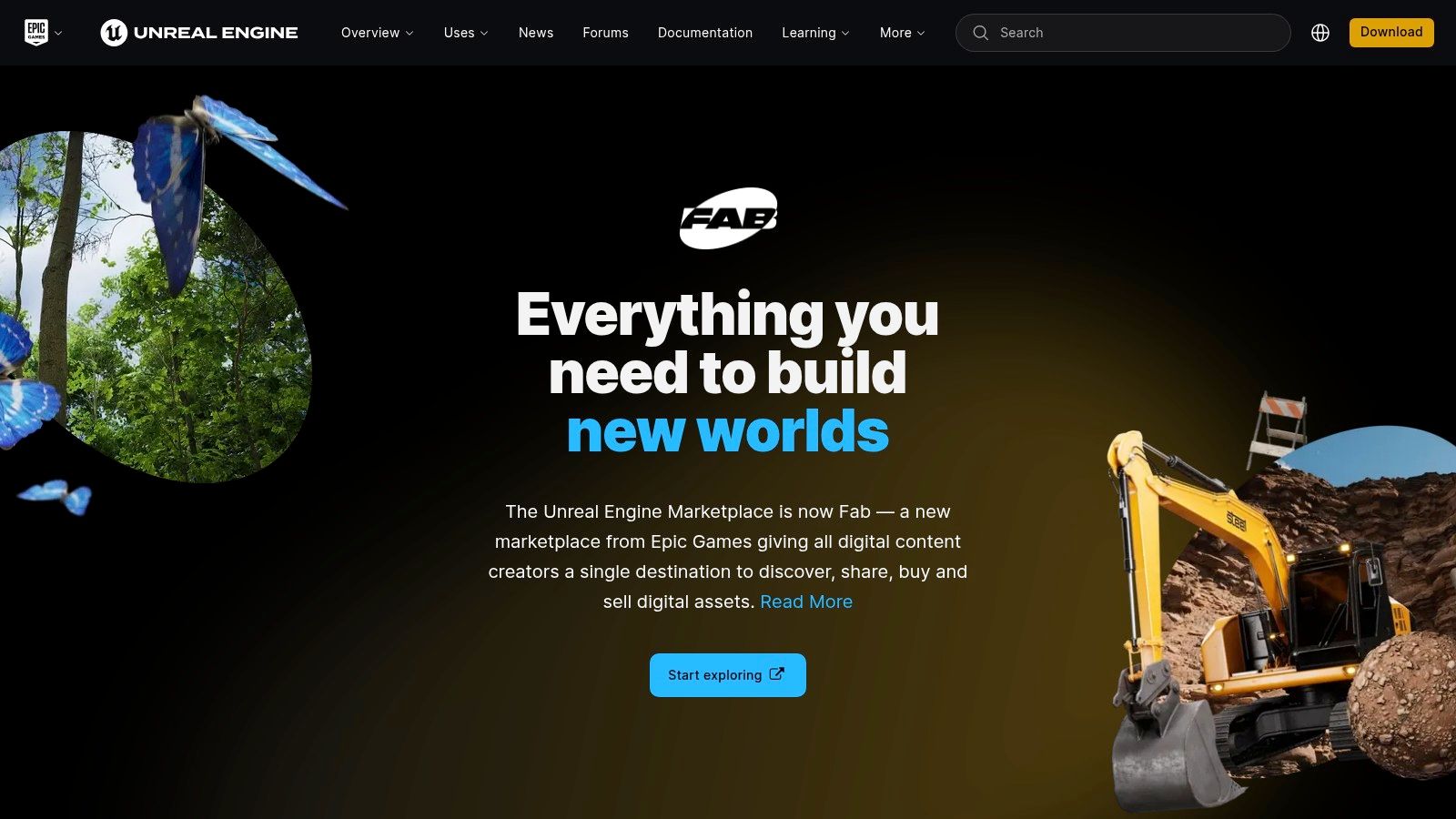
The key advantage of the Unreal Engine Marketplace is its direct integration with an engine renowned for its powerful rendering capabilities. This allows for the creation of photorealistic virtual objects that blend seamlessly into the real world, a crucial factor for immersive brand experiences and detailed industrial simulations. Assets like ready-made templates for facial tracking, gesture controls, and image tracking significantly reduce development complexity and time-to-market for sophisticated AR projects.
Strategic Analysis & Actionable Takeaways
Unique Offering: The marketplace’s core strength is enabling cinematic-quality, high-fidelity AR visuals. Unreal Engine's advanced rendering pipeline, originally built for high-end video games, gives developers the tools to create AR applications with unparalleled realism. This is particularly valuable for B2C marketing where product aesthetics are paramount, and for complex enterprise simulations where visual accuracy is essential for effective learning. More information about how this technology is applied can be found in discussions on augmented reality training.
Key Insight: The Unreal Engine Marketplace is the go-to platform for development teams prioritizing visual quality over a vast quantity of assets. It empowers the creation of premium, brand-defining AR experiences that can run on standard mobile devices, bridging the gap between high-end graphical capabilities and accessible hardware.
Practical Tips for Use:
- For evaluation: Browse the "Code Plugins" and "Blueprints" sections under the "Augmented Reality" category to find pre-built systems that match your project's technical requirements, such as world tracking or advanced gesture recognition.
- For development: Utilize Epic Games’ official first-party AR samples as a starting point. These projects provide clean, well-documented code that demonstrates best practices for implementing AR features, significantly speeding up the ramp-up time for developers new to the engine.
- Pricing & Access: Accessing the marketplace is free with an Epic Games account. Assets range from free community content and official samples to premium, commercially licensed toolkits sold at various price points.
Find AR applications at: https://www.unrealengine.com/marketplace
Top 7 Augmented Reality Platforms Comparison
| Product / Platform | Implementation Complexity 🔄 | Resource Requirements ⚡ | Expected Outcomes 📊 | Ideal Use Cases 💡 | Key Advantages ⭐ |
|---|---|---|---|---|---|
| AIDAR.Service | Medium – requires AR-capable hardware and training | Moderate – AR devices and reliable internet needed | High – faster service, reduced travel costs, improved training | Industrial maintenance, inspections, remote expert support | Immersive AR guidance, cross-device support, cost savings |
| Apple App Store (iOS/iPadOS – ARKit) | Low – end-user app installation only | Low – requires iOS device | Variable – depends on chosen AR apps | Consumer AR apps on iPhone/iPad | Best device compatibility, curated high-quality apps |
| Google Play Store (Android – ARCore) | Low – end-user app installation only | Low – Android device required | Variable – depends on AR app quality | Consumer and creative AR apps on Android | Wide device reach, automatic AR updates |
| Meta Quest Store (Quest MR) | Medium – requires Quest hardware | Medium – Quest headset and PC optional | Medium to high – immersive MR and 2D spatial apps | VR/MR productivity, entertainment | Curated MR catalog, good device integration |
| Niantic 8th Wall / Niantic Studio | Medium – web AR content creation needed | Low to moderate – browser-based, hosting fees for scale | Medium – fast user onboarding, broad reach | Instant access AR campaigns, WebAR marketing | No app install needed, strong templates & hosting |
| Unity Asset Store (AR SDKs & Tools) | Medium to high – development skill needed | Moderate to high – developer time and paid assets | High – accelerated development & deployment | AR app development across platforms | Prebuilt templates, large ecosystem, source code access |
| Unreal Engine Marketplace (AR toolkits) | High – complex builds, advanced dev skills | High – powerful hardware, licenses, time | High – high-fidelity, cinematic AR applications | Enterprise AR, high-quality visuals | Superior rendering, professional-grade AR templates |
Integrating AR into Your Business Strategy: The Path Forward
The augmented reality applications we've explored represent more than just technological novelties; they signify a fundamental shift in operational efficiency, knowledge transfer, and customer engagement. From the targeted, problem-solving power of enterprise-grade platforms like AIDAR.Service to the vast creative potential unlocked by development ecosystems like Unity and ARKit, the path to AR adoption is clearer and more accessible than ever before.
The core takeaway is that successful integration isn't about adopting technology for its own sake. It's about strategically applying it to solve specific, high-value business problems. The examples throughout this article demonstrate a common thread: identifying a critical bottleneck—whether it's machine downtime, complex training requirements, or logistical inefficiencies—and deploying an AR tool precisely designed to alleviate that pain point.
Your Strategic Roadmap to AR Implementation
Embarking on your AR journey requires a clear, methodical approach. The most successful deployments begin not with a discussion about technology, but with a deep dive into existing operational challenges.
To translate the insights from this article into action, consider the following steps:
- Identify High-Impact Use Cases: Start small. Pinpoint a single, recurring problem within your organization. Is it the time it takes for an expert technician to travel to a site? Are new hires struggling to master complex machinery? Document the cost of this problem in terms of time, money, and resources.
- Define Success Metrics: How will you measure the impact of an AR solution? Establish clear Key Performance Indicators (KPIs) from the outset. These could include reduced mean time to repair (MTTR), increased first-time fix rates, or decreased training time for new employees.
- Select the Right Tool for the Job: Your choice of platform depends entirely on your goal. If your primary need is immediate remote support and expert guidance for field teams, a dedicated solution like AIDAR.Service is the most direct path. If you are building a custom, brand-centric marketing experience, development tools like Niantic's WebAR platform or the native AR frameworks in iOS and Android are more appropriate.
Key Factors for Successful Adoption
Beyond selecting the right software, successful implementation hinges on organizational readiness. Consider these crucial factors:
- Hardware and Infrastructure: Ensure your teams have access to compatible devices, whether they are standard smartphones, tablets, or specialized smart glasses. Reliable internet connectivity, especially in field environments, is also non-negotiable for real-time collaboration tools.
- User Training and Onboarding: Even the most intuitive AR application requires proper user onboarding. Focus on demonstrating the tool's value and making it a seamless part of the existing workflow to encourage adoption.
- Scalability and Integration: Think about the future. Choose a solution that can not only solve your immediate problem but also scale across different departments or integrate with your existing enterprise systems like ERP or FSM platforms.
The journey into augmented reality is no longer a futuristic exploration; it is a practical and strategic business decision. The augmented reality applications available today offer proven, measurable returns on investment by empowering your workforce, streamlining complex processes, and creating new channels for customer value. By focusing on a specific problem and building a clear strategy, you can harness this transformative technology to build a more efficient, resilient, and competitive organization.
Ready to see how a dedicated augmented reality application can solve your most pressing operational challenges? The team at AIDAR Solutions specializes in creating powerful, intuitive remote support and digital workflow tools that deliver immediate ROI. Explore how we can help you reduce downtime and empower your teams at AIDAR Solutions.